01
A custom-ready
website.
One step away.
Bring self-service customization to your website. Let customers create, preview and order—with less back-and-forth for you.
Enjoy partner points and membership discounts, too.
PRODUCT PREVIEW
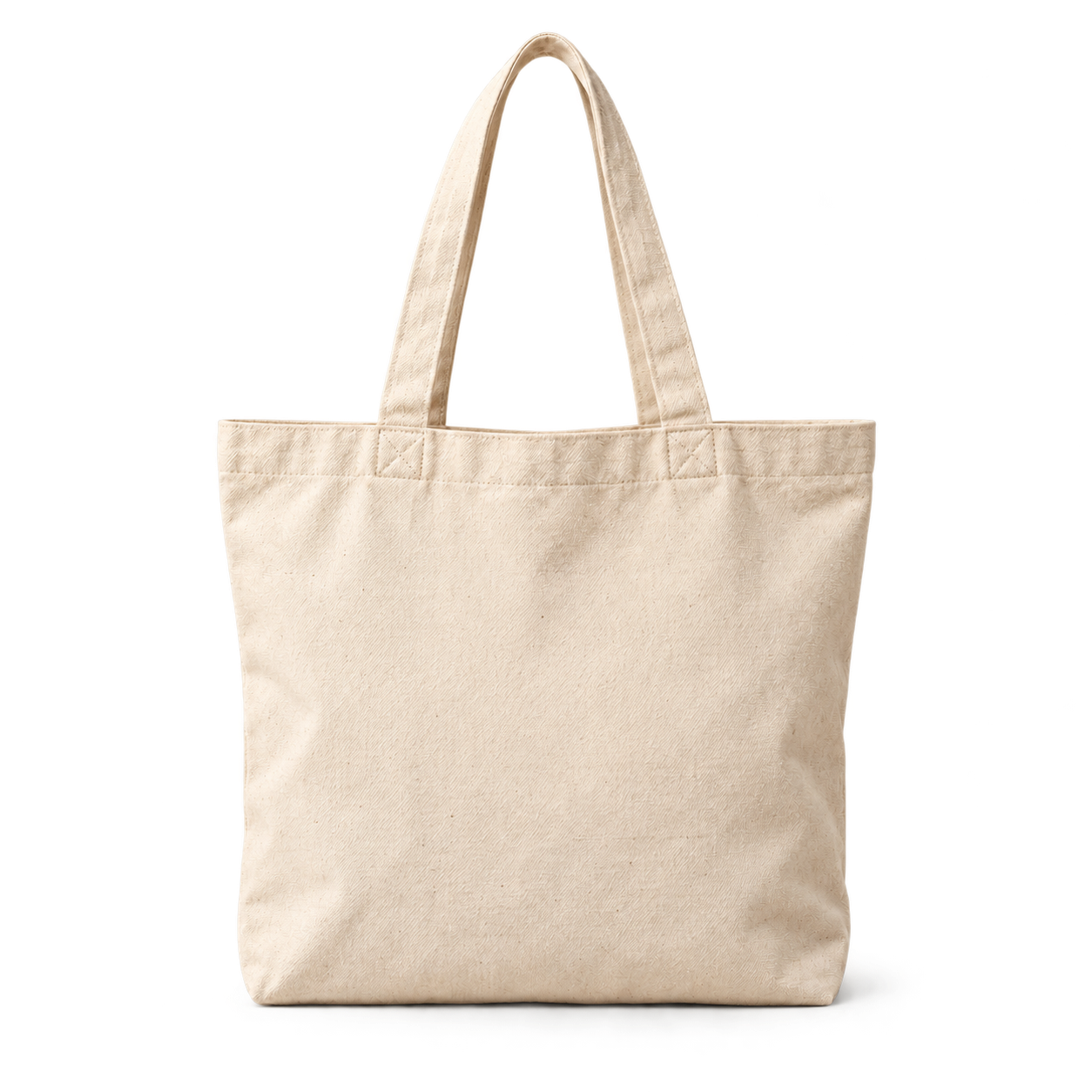
Your
LOGO
− 100% +
MAKE IT YOURS
Your idea.
Artwork
Placement
Your idea.
Taking shape.
Artwork
↥
your-logo.svg
✓
Print color
Front · Center
Confirm design
→
Design it. Preview it. Make it yours.
ILLUSTRATIVE INTERFACE
Your brand. Their creativity.
Online customization, on your website.
FIND YOUR FIT
Different businesses.
Different businesses.
Different modes.
Two questions to help you choose between dropshipping and tool mode.
Start with your production plans.
Choose who handles fulfillment.
Choose who handles fulfillment.
QUESTION 01 / 02
Do you own—or plan to invest in—customization equipment?
Think printing, embroidery, engraving or other production equipment.
02
Product synchronization
Turn products from our library into products for your store.
Product publishing resources
03
Order management
The customer starts on your website. Fulfillment follows your mode.
Order management resourcesDropshipping payments are separate: customer to you, then you to us.
In tool mode, any purchases you make from us are separate orders.
Supported website platforms
WooCommerce is currently supported. Support for more platforms is on the way.
WooCommerce
AVAILABLE NOWShopify
COMING SOONWix
COMING SOONBigCommerce
COMING SOONNeed technical help with your website?
We offer paid services for website development ↗ and website maintenance ↗.
Can I try it before registering?
Yes. Choose a demo account in the popup to enter the management dashboard already signed in. Open its matching frontend test website to compare the business and customer experience.
Which website platform is supported?
WooCommerce is currently supported. Support for more platforms is on the way.
How do I qualify for free use?
Meet the partner assessment requirements in a 90-day cycle: an assessment amount of USD 300 for tool mode or USD 1 for dropshipping. Open your mode’s assessment link beside the mode questionnaire for details.
Do I need my own equipment?
Not for dropshipping. With tool mode, you manage production using your own equipment or production partners.
What about points and discounts?
Partner membership includes points and discount benefits. The detailed rules are pending confirmation; see the points and discount details at the top of this page.